#1
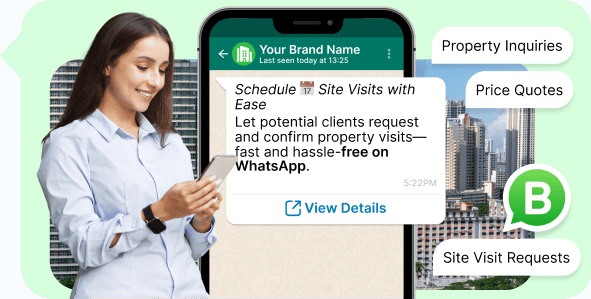
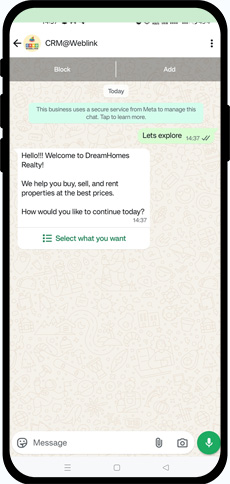
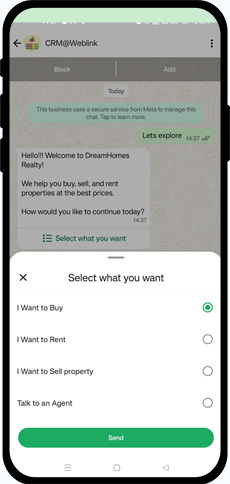
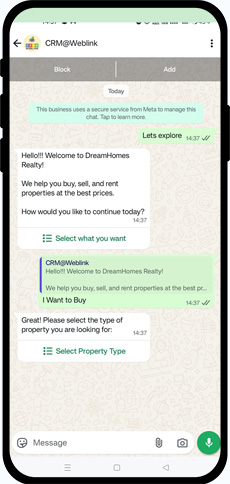
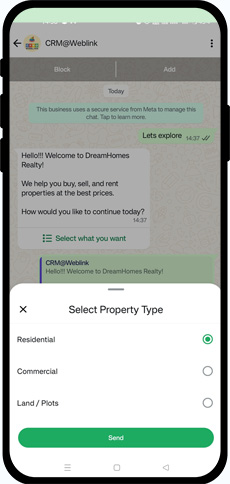
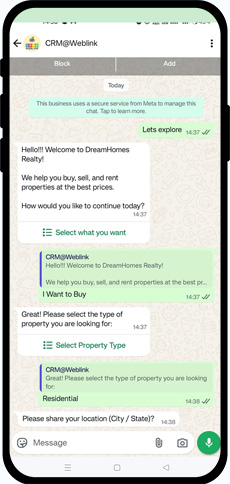
Quickly respond to property inquiries, price quotes, and site visit requests via WhatsApp.

#2
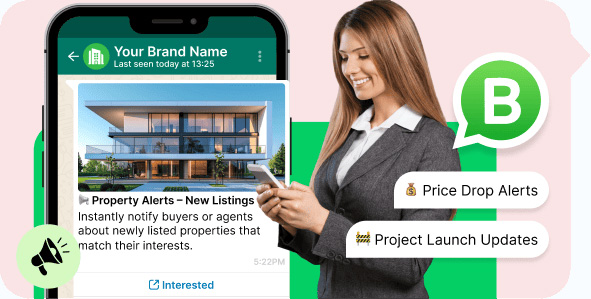
Share new listings, price drops, and project launch updates in real time with interested buyers or agents.

#3
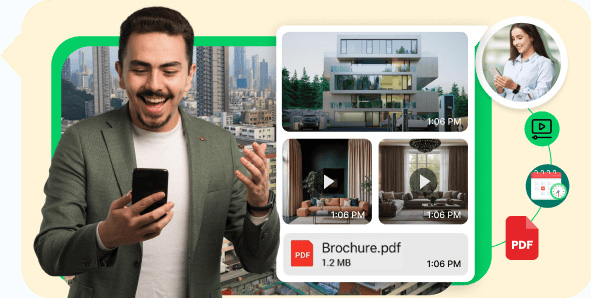
Send HD images, walkthrough videos, floor plans, brochures, and location maps—directly to the buyer's phone.

#4
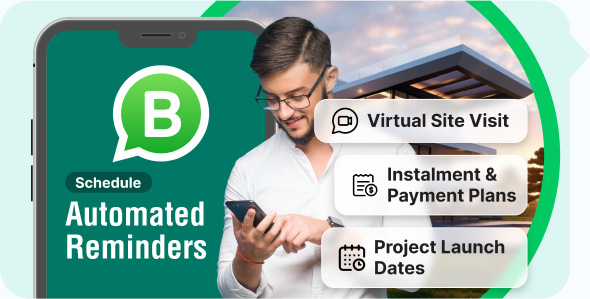
Never miss a lead. Schedule automated messages for inquiry follow-ups, document submission, or payment reminders.

#5
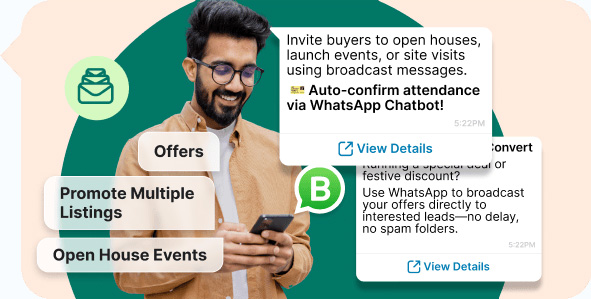
Promote multiple listings, offers, or open house events to targeted customer groups in seconds.

#6
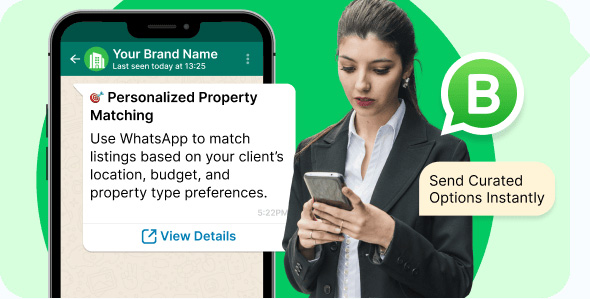
Match properties to customer preferences (location, budget, type) and send curated options.

#7
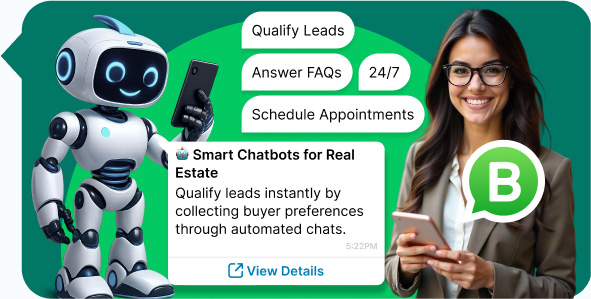
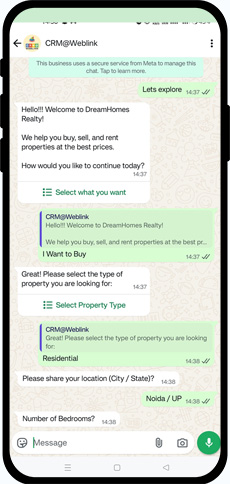
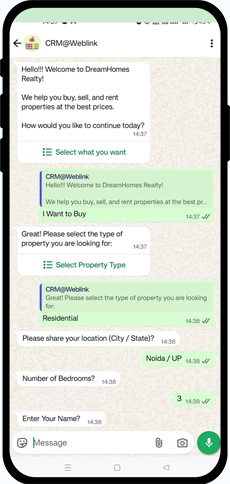
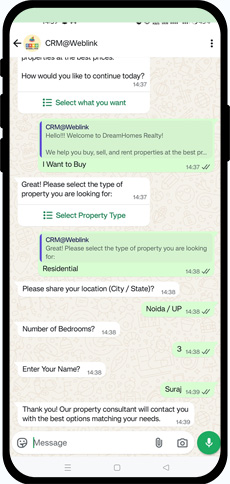
Use smart bots to qualify leads, answer FAQs (loan, possession, RERA info), and schedule appointments—24/7.

Streamline your sales funnel, reduce response time, and create high-impact customer journeys
—from lead capture to final deal.
Engage millions of property seekers on the most widely used messaging app in India and worldwide.
Ensure listings, updates, and offers are seen and acted on instantly.
Build buyer trust with verified business communication for transactions and documents.
Instantly inform clients of property availability, construction progress, or investment opportunities.
Display your agency or builder brand name on all WhatsApp interactions to drive long-term recognition.
Whether you’re a freelance agent or large developer, manage leads and campaigns at scale.
Tailored messaging strategies that work—see how WhatsApp transforms marketing and support across various fields.
Send product catalogs, order updates & offers on WhatsApp to boost sales & customer engagement.
Explore NowManage admissions & inquiries. Send fee, attendance, results & updates on WhatsApp.
Explore NowShare property listings, site visit updates & offers to convert inquiries faster.
Explore NowStep 1: WABA Without Brand Name (Limit: 250 Messages/Day)
Step 2: WABA–CRM Integration & Training
Step 3: Brand Name Approval Process
Note:
AND, additional Mandatory Requirements:
Step 4: Mobile number proof of the number updated in the FBM Portfolio (e.g., phone bill or any company document displaying that mobile number). It is mandatory for International Customers but in some cases Meta may ask from India Customer’s too.
Step 5:
A functional website with SSL is required, including a Products/Services page and a Contact Us page with the same address as in FBM/documents. If the brand name (required for WhatsApp display) differs from the legal business name in FBM/documents, display the brand name in the website header and the legal business name in the footer along with the rights reserved statement (like: Copyright © legal company name. All Rights Reserved), as shown in the example below.
Example:
https://www.weblink.in/crm-software/
,
Brand – CRM@Weblink | Legal Name – Weblink.In Pvt. Ltd.
Header: CRM@Weblink
Footer: © Copyrights Weblink.In Pvt. Ltd. 1997. All rights reserved
Step 6: A mobile number for WABA activation: The number must not be linked to any existing WhatsApp account and should be able to receive an OTP via SMS or voice call.
Mandatory Documents Required:
Step 1: Company’s registration or incorporation documents.
OR,
Step 2: Tax registration certificate (e.g., GST, VAT Certificate etc)
OR,
Step 3: Recent current account bank statement
Note:
Step 4: Mobile number proof of the number updated in the FBM Portfolio (e.g., phone bill or any company document displaying that mobile number). It is mandatory for International Customers but in some cases Meta may ask from India Customer’s too.
Step 5:
A functional website with SSL is required, including a Products/Services page and a Contact Us page with the same address as in FBM/documents. If the brand name (required for WhatsApp display) differs from the legal business name in FBM/documents, display the brand name in the website header and the legal business name in the footer along with the rights reserved statement (like: Copyright © legal company name. All Rights Reserved), as shown in the example below.
Example:
https://www.weblink.in/crm-software/
,
Brand – CRM@Weblink | Legal Name – Weblink.In Pvt. Ltd.
Header: CRM@Weblink
Footer: © Copyrights Weblink.In Pvt. Ltd. 1997. All rights reserved
Step 6: A mobile number for WABA activation: The number must not be linked to any existing WhatsApp account and should be able to receive an OTP via SMS or voice call.